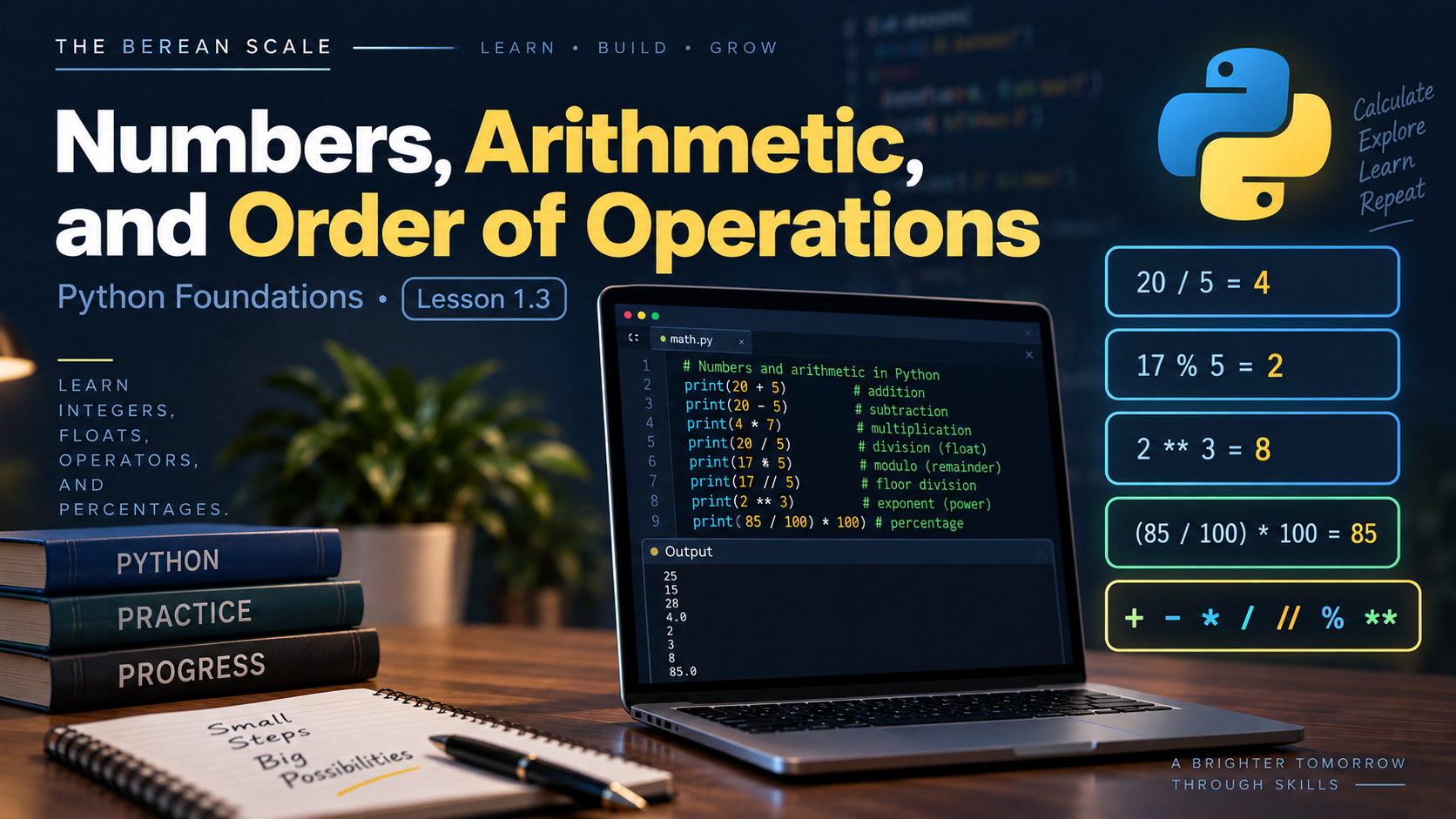
Module: Module 1 — Variables, Data, and Arithmetic
Estimated Time: 45–60 minutes
Prerequisites: Lesson 1.1 — Variables, Lesson 1.2 — Strings
Learning Goal
By the end of this lesson, you should be able to store numbers in variables, perform arithmetic with them, calculate percentages, and predict how Python evaluates mathematical expressions.
1. The Need
So far, your programs can store and display information.
For example:
passage = "Acts 17:11"
print(passage)
But suppose you are building a Bible reading tracker.
You know:
Total chapters: 40
Chapters completed: 15
Now you want Python to answer questions:
- How many chapters remain?
- What percentage of the plan is complete?
- How many chapters could be read each day?
- Is there a remainder after dividing the chapters across several days?
Strings cannot solve those problems.
We need Python to work with actual numbers.
2. Numbers Are Different From Strings
Look at these two values:
"40"and:
40They look similar.
But Python treats them differently.
This:
"40"is a string.
It is text.
This:
40is a number.
Because there are no quotation marks, Python can use the value in arithmetic.
For example:
chapters = 40The variable chapters now refers to a numeric value.
3. Integers
Whole numbers in Python are called integers.
Examples:
1
5
17
40
100
You can store integers in variables:
total_chapters = 40
completed_chapters = 15
These values are numbers, not text.
That means Python can perform arithmetic with them.
4. Floats
Numbers containing decimal points are commonly represented as floats.
Examples:
1.5
3.14
25.0
87.5
Example:
hours_studied = 2.5The value:
2.5is a float.
For now, the most important distinction is:
17      → integer
17.5    → float
"17"    → string
Quotation marks matter.
The decimal point matters.
5. Addition
Python uses:
+for addition.
Example:
monday = 3
tuesday = 4

total = monday + tuesday

print(total)
Output:
7Python retrieves the values:
3and:
4and adds them.
6. Subtraction
Python uses:
-for subtraction.
Example:
total_chapters = 40
completed_chapters = 15

remaining = total_chapters - completed_chapters

print(remaining)
Output:
25Now our program is doing something useful with the data instead of merely displaying it.
7. Multiplication
Python uses:
*for multiplication.
Example:
chapters_per_day = 4
days = 7

total = chapters_per_day * days

print(total)
Output:
28Do not use:
xas the multiplication symbol.
Python uses:
*8. Division
Python uses:
/for normal division.
Example:
chapters = 30
days = 5

daily_amount = chapters / days

print(daily_amount)
Output:
6.0Notice something interesting.
Even though:
30 ÷ 5 = 6Python’s / operator produces:
6.0That is a float.
For now, remember:
Normal division with
/produces a floating-point result.
9. Integer Division
Python also provides:
//This is called floor division.
For positive numbers, you can initially think of it as:
Divide and keep the whole-number portion.
Example:
chapters = 17
days = 5

full_chapters = chapters // days

print(full_chapters)
Output:
3Five goes into seventeen three full times.
There are still chapters left over.
To find those, we need another operator.
10. Remainder — Modulo
Python uses:
%to calculate the remainder after division.
This is called the modulo operator.
Example:
chapters = 17
days = 5

remaining = chapters % days

print(remaining)
Output:
2Because:
17 = 5 × 3 + 2the remainder is:
2This operator becomes extremely useful in programming.
11. Exponents
Python uses:
**for exponentiation.
Example:
result = 2 ** 3

print(result)
Output:
8Because:
2 × 2 × 2 = 8You will not use exponents constantly in beginner programs, but you should recognize the operator.
12. Arithmetic Operator Reference
| Operator | Meaning |
|---|---|
+ | Addition |
- | Subtraction |
* | Multiplication |
/ | Division |
// | Floor division |
% | Remainder |
** | Exponent |
You do not need to memorize this table instantly.
You will learn the operators by using them.
13. Numbers Inside Variables
Arithmetic becomes much more useful when combined with variables.
Example:
total_chapters = 50
completed_chapters = 18

remaining_chapters = total_chapters - completed_chapters

print(remaining_chapters)
Output:
32Trace what happened:
total_chapters → 50
completed_chapters → 18
Then:
50 - 18produces:
32That result is assigned to:
remaining_chapters14. Reassignment With Numbers
Variables containing numbers can also be reassigned.
Example:
chapters_read = 3

print(chapters_read)

chapters_read = 5

print(chapters_read)
Output:
3
5
The same reassignment rule from Lesson 1.1 still applies.
The most recent assignment determines the variable’s current value.
15. Arithmetic Using Existing Values
Consider:
chapters_read = 3

chapters_read = chapters_read + 2

print(chapters_read)
This may look strange at first.
Trace it carefully.
Before the second line:
chapters_read → 3Python evaluates the right side:
chapters_read + 2which becomes:
3 + 2which becomes:
5Then Python assigns:
5back to:
chapters_readThe output is:
5The = symbol is assignment.
It is not saying:
3 equals 5.
It is saying:
Calculate the right side, then store the result using the name on the left.
16. Order of Operations
Consider:
result = 2 + 3 * 4

print(result)
Does Python calculate:
2 + 3first?
No.
Python follows an order of operations.
Multiplication happens before addition.
So:
3 * 4 = 12then:
2 + 12 = 14Output:
1417. Parentheses Change the Order
Now consider:
result = (2 + 3) * 4

print(result)
The parentheses tell Python to calculate:
2 + 3first.
So:
2 + 3 = 5then:
5 * 4 = 20Output:
20Compare:
2 + 3 * 4with:
(2 + 3) * 4They contain the same numbers and operators.
But they produce different results.
18. A Useful Order of Operations Model
For the arithmetic in this course, think in this order:
- Parentheses
- Exponents
- Multiplication and division
- Addition and subtraction
Operators at the same level are generally evaluated from left to right.
Do not rely on guessing.
When the intended order might be unclear, parentheses can make your meaning easier to understand.
19. Calculating Percentages
Suppose a reading plan contains:
40 chaptersand you have completed:
10 chaptersTo calculate the percentage completed:
completed ÷ total × 100In Python:
total_chapters = 40
completed_chapters = 10

percentage = completed_chapters / total_chapters * 100

print(percentage)
Output:
25.0That means:
25%of the reading plan is complete.
20. Parentheses Can Make Formulas Clearer
We could also write:
percentage = (completed_chapters / total_chapters) * 100The result is the same.
But the parentheses make the intended calculation easier for a human reader to see.
Readable code matters.
You are not only writing instructions for Python.
You are also writing code that humans need to understand.
21. Trace the Program
Consider:
total_chapters = 60
completed_chapters = 15

remaining = total_chapters - completed_chapters
percentage = completed_chapters / total_chapters * 100

print(remaining)
print(percentage)
Trace it.
Step 1
total_chapters → 60Step 2
completed_chapters → 15Step 3
60 - 15 = 45So:
remaining → 45Step 4
15 / 60 = 0.25Then:
0.25 * 100 = 25.0So:
percentage → 25.0Final output:
45
25.0
22. Predict It
Do not run these until you make your prediction.
Predict It #1
total = 20
completed = 8

remaining = total - completed

print(remaining)
What is printed?
Predict It #2
result = 5 + 2 * 3

print(result)
What is the result?
Which operation happens first?
Predict It #3
result = (5 + 2) * 3

print(result)
How is this different from Predict It #2?
23. Predict It — Division
Consider:
chapters = 17
days = 5

print(chapters / days)
print(chapters // days)
print(chapters % days)
Before running it, predict all three results.
Then compare your prediction with Python.
24. Build It — Bible Reading Progress Calculator
Create a file named:
reading_progress.pyUse these supplied values:
Total chapters: 50
Completed chapters: 20
Create variables for both values.
Then calculate:
- Chapters remaining
- Percentage completed
Display both results.
Your Program Is Complete When
Your calculations produce:
30
40.0
The first value represents chapters remaining.
The second represents percentage completed.
Your program must:
- Store the total in a numeric variable
- Store the completed amount in a numeric variable
- Calculate the remaining chapters
- Calculate the completion percentage
- Store the calculated results in variables
- Print the results
Do not manually store:
30or:
40.0as the answers.
Python must calculate them.
Hint Ladder
Hint 1
Remaining chapters require subtraction.
Hint 2
Percentage completed follows:
completed / total * 100Hint 3
Store each calculated result in its own descriptive variable before printing it.
25. Fix It
A student wants to calculate remaining chapters.
Their code is:
total_chapters = 40
completed_chapters = 12

remaining = completed_chapters - total_chapters

print(remaining)
The program prints:
-28The arithmetic works.
But the logic is wrong.
Ask:
Which value should be subtracted from which?
Fix the calculation.
26. Fix the Order
A student wants to find the average of two study-session lengths:
20 minutes
40 minutes
They write:
average = 20 + 40 / 2Python does not calculate the intended average.
Why?
Which operation happens first?
Use parentheses to make the intended calculation explicit.
27. Break It — Strings Versus Numbers
Consider:
chapters = "5"Compare it with:
chapters = 5One stores text.
The other stores a number.
Do not try to solve conversion problems yet.
That belongs in Lesson 1.5.
For now, simply explain:
- Which value is a string?
- Which value is a number?
- Which one is intended for arithmetic?
This distinction will become extremely important.
28. Explain It
Answer these in your own words:
- What is an integer?
- What is a float?
- Why is
"25"different from25? - What does
/do? - What does
//do with positive numbers? - What does
%tell you? - What does
**do? - Why does multiplication happen before addition?
- What do parentheses allow you to control?
- How can you calculate a percentage?
29. The Narrow Path — Common Mistakes
Putting numeric values in quotation marks
This:
chapters = "20"stores text.
This:
chapters = 20stores a number.
If the value is intended for arithmetic, quotation marks matter.
Reversing subtraction
If you want chapters remaining:
total - completedis not the same as:
completed - totalThink about what the calculation represents.
Forgetting order of operations
This:
20 + 40 / 2does not mean:
(20 + 40) / 2Python follows its arithmetic rules.
Use parentheses when necessary.
Confusing / and //
These operators do different things.
/performs normal division.
//performs floor division.
Do not use them interchangeably.
Forgetting what % means
The % operator does not calculate a percentage by itself.
In Python arithmetic:
%returns a remainder.
Percentage calculations are formulas that normally involve division and multiplication by 100.
30. Check Your Understanding
Answer these without looking back if possible:
- What is an integer?
- What is a float?
- Is
"10"a number or a string? - Which operator performs multiplication?
- Which operator performs normal division?
- Which operator performs floor division?
- Which operator calculates a remainder?
- Which operator calculates an exponent?
- What happens first in
2 + 4 * 3? - How can parentheses change an expression?
- How would you calculate the percentage of a reading plan that has been completed?
- Why are descriptive numeric variable names useful?
⚖️ Put It on the Scale
Use this supplied data:
Total chapters: 66
Completed chapters: 18
Reading days remaining: 7
Without introducing any concepts not taught in this lesson:
- Store all three values as numbers.
- Calculate the number of chapters remaining.
- Calculate the percentage completed.
- Calculate how many full chapters could be evenly assigned to each remaining day using floor division.
- Calculate how many chapters would remain after that division using modulo.
- Predict every result before running the program.
- Run the program.
- Compare the actual results with your predictions.
Do not search for a completed solution.
Use the operators you learned.
Graduation Standard
Do not move forward until you can store integers and floats, perform arithmetic with variables, use
+,-,*,/,//,%, and**, control calculations with parentheses, and calculate a percentage.
You can now make Python perform calculations using information stored in variables.
Next, we will make our programs interactive.
Instead of changing values inside the source code ourselves, we will let the person running the program provide information.
Next:
Lesson 1.4 — Input and Output