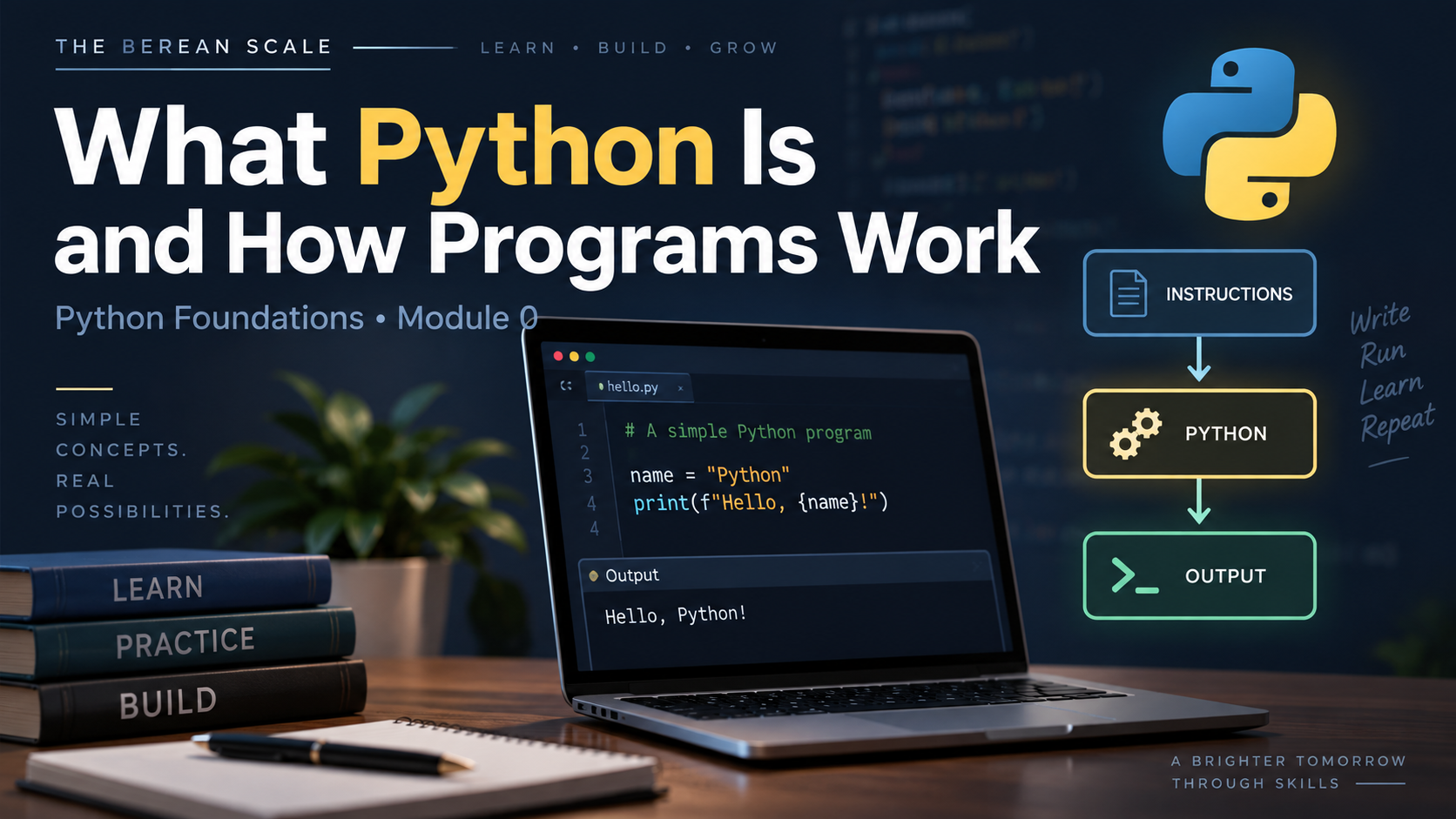
Module: Module 0 — Getting Started
Estimated Time: 20–30 minutes
Prerequisites: None
Learning Goal
By the end of this lesson, you should be able to explain what Python is, what a program is, and how a computer follows instructions in order.
1. The Need
Imagine you want your computer to display a simple Bible study card:
- Study: The Berean Scale
- Passage: John 8:58
- Topic: Testing the Text
You could type that information yourself every time.
But what if you wanted the computer to do it for you?
What if later you wanted it to calculate reading progress, search through Scripture references, keep track of study notes, or run a Bible quiz?
A computer cannot guess what you want.
It needs instructions.
Programming is how we give those instructions.
Python is one of the languages we can use to write them.
2. What Is a Program?
A program is a set of instructions written for a computer to follow.
Think about a simple set of instructions:
- Display a title.
- Display a Scripture reference.
- Display a study topic.
A computer program works in a similar way.
The computer follows the instructions you give it.
It does not understand your intention.
It follows the actual instructions.
That distinction is extremely important.
If you intended one thing but wrote something different, the computer follows what you wrote.
This is one of the most important ideas in programming:
The computer does what the instructions say, not what you meant to say.
Much of learning programming is learning how to turn an idea in your mind into instructions precise enough for the computer to follow.
3. What Is Python?
Python is a programming language.
A programming language gives us a structured way to write instructions that a computer can process.
Here is a tiny piece of Python:
print("The Berean Scale")You do not need to understand every part of that line yet.
For now, understand the basic idea:
We are giving Python an instruction.
That instruction tells Python to display:
The Berean ScaleThe line we write is called code.
A collection of code that performs a task becomes a program.
4. Source Code
The instructions written by a programmer are called source code.
For example:
print("The Berean Scale")
print("John 8:58")
print("Testing the Text")
This is source code written in Python.
The source code contains three instructions.
Python processes them from top to bottom.
The first line runs first.
Then the second.
Then the third.
The result would be:
The Berean Scale
John 8:58
Testing the Text
The order matters.
If we change the order of the instructions, we change the order of the output.
5. Python Follows Instructions in Order
Look at this program:
print("John 8:58")
print("The Berean Scale")
print("Testing the Text")
The computer does not decide that the title should come first.
It follows the instructions exactly as they appear.
The output would be:
John 8:58
The Berean Scale
Testing the Text
This idea is called execution order.
For now, Python normally begins at the top of the program and executes one instruction after another.
Later in the course, you will learn ways to change that flow using:
- Conditions
- Loops
- Functions
But first you need to understand the basic path:
Top → Down
6. What Does Python Do With the Code?
When you write Python code, the computer needs Python to understand those instructions.
You can think of the process like this:
Your Python Code
       ↓
     Python
       ↓
Computer performs the instructions
       ↓
      Output
For example:
print("John 8:58")Python reads the instruction.
Python understands that print() means something should be displayed.
The result is:
John 8:58You do not need to understand the deeper technical details of how Python executes code yet.
For now, keep this mental model:
You write instructions in Python, and Python helps the computer carry them out.
7. Instructions Must Be Precise
Computers are extremely fast.
But they are also extremely literal.
Suppose your instruction says:
print("John 8:58")Python displays:
John 8:58If you instead write:
print("John 8:85")Python will happily display:
John 8:85Python does not know that you intended verse 58.
It follows the instruction you actually gave it.
This is why programmers constantly ask:
What did I actually tell the computer to do?
That question will become one of the most useful debugging tools you have.
8. Programs Have Input, Processing, and Output
Many programs can be understood using three basic ideas:
Input
Information enters the program.
Example:
A user enters how many chapters they read.
Processing
The program does something with the information.
Example:
Python calculates how many chapters remain.
Output
The program gives a result.
Example:
You have 12 chapters remaining.You will learn how to build programs like this later.
For now, remember:
Input → Processing → OutputNot every program needs all three in an obvious way, but this model is extremely useful for beginners.
9. A Small Example
Look at this code:
print("Bible Reading Tracker")
print("Genesis")
print("3 chapters completed")
Python begins at the top.
Step 1
Python sees:
print("Bible Reading Tracker")So it displays:
Bible Reading TrackerStep 2
Python moves to:
print("Genesis")It displays:
GenesisStep 3
Python executes:
print("3 chapters completed")It displays:
3 chapters completedThe complete output is:
Bible Reading Tracker
Genesis
3 chapters completed
Nothing mysterious happened.
Python simply followed the instructions in order.
That is the foundation we will build on.
10. Trace the Program
Read this program carefully:
print("The Berean Scale")
print("Acts 17:11")
print("Test Everything")
Before looking below, mentally walk through the program.
Ask yourself:
- Which instruction runs first?
- What appears first?
- Which instruction runs second?
- What appears last?
Python executes from the top downward.
So the output is:
The Berean Scale
Acts 17:11
Test Everything
This process of mentally following the code is called tracing.
You will do a lot of tracing in this course.
A strong programmer should be able to look at small pieces of code and reason about what they will do before pressing Run.
11. Predict It
Do not skip straight to the answers.
Make your prediction first.
Predict It #1
What will this program display?
print("Genesis")
print("Exodus")
print("Leviticus")
Write the output in the exact order you expect.
Predict It #2
What will this program display?
print("Study Complete")
print("John 8:58")
print("The Berean Scale")
Again, predict the exact order.
12. Practice
Explain It
Look at this code:
print("Acts 17:11")
print("The Berean Scale")
Answer these questions in your own words:
- Which instruction does Python execute first?
- Why does
Acts 17:11appear beforeThe Berean Scale? - What would happen if the two lines were reversed?
Do not worry about sounding technical.
Explain what you think Python is doing.
Fix the Order
Suppose we want this output:
The Berean Scale
Acts 17:11
Test Everything
But the program is written like this:
print("Test Everything")
print("The Berean Scale")
print("Acts 17:11")
You do not need to run the program.
Determine what is wrong with the order of the instructions.
Then decide how the instructions would need to be arranged to produce the desired output.
13. Your Work Is Complete When
You can:
- Explain what a program is
- Explain what Python is
- Explain what source code is
- Identify which instruction runs first
- Predict the output of a simple sequence of
print()instructions - Explain why changing instruction order changes program output
You do not need to memorize technical definitions word for word.
You need to understand the ideas.
14. The Narrow Path — Common Mistakes
One of the first mistakes beginners make is trying to understand programming as if the computer can understand intention.
It cannot.
If the output is wrong, begin by asking:
What instructions did I actually give Python?
Another mistake is reading a program according to what you think it should do instead of tracing what it actually does.
When you see several instructions, slow down.
Start at the top.
Follow one instruction at a time.
Programming becomes much easier when you stop treating the program as one giant block and begin tracing each step.
15. Check Your Understanding
Answer these without looking back if you can:
- What is a computer program?
- What is Python?
- What is source code?
- In a simple Python program, which line normally executes first?
- Why can a program produce the wrong result even when Python successfully runs it?
- What are the three parts of the beginner model
Input → Processing → Output?
If one of these feels unclear, return to that section before moving forward.
Graduation Standard
Do not move forward until you can look at a short sequence of Python instructions, predict their execution order, and explain what the program will display.
You do not need to write a real Python program yet.
That comes next.
In the next lesson, we will prepare your computer so you can begin running Python yourself.